Services & fees · billed per engagement

6:20 p.m., the closet behind reception: one router, one backup drive, and a box of nitrile gloves stacked on both.

That closet is usually where we start. Below are the five things we do once we’re in it — what each covers, where each stops, and the whole fee, written down before anyone parks outside.

What each one covers

five line items, what each one covers, and exactly where it stops

Every engagement has an edge. We’d rather you read it here than find it on an invoice. The left column is the fee and the limits, the middle is what’s in, the right is what isn’t.

hipaa security risk analysis

$2,340

On site
One evening, 2–3 hours after close
Turnaround
7 business days
Covers
Up to 10 workstations
After that
$95 per workstation

What’s in it

The document 45 CFR §164.308(a)(1)(ii)(A) asks every covered practice to keep. Ours is written in sentences an office manager can read aloud to an auditor.

  • An inventory of every device that touches patient data, including the fax and the label printer
  • The physical side: closet lock, which monitors face the waiting room, where the shred bin lives
  • User accounts in Dentrix, Eaglesoft, eClinicalWorks, or whatever you run, checked against who still works there
  • Likelihood × impact ratings for each risk
  • Signed, dated, formatted for the six-year retention file

Where it stops

  • We note settings. We don’t change them — that’s line c.
  • No phishing emails. Those are line b.
  • We point out missing policies; we don’t write your policy manual.

Who needs to be there: whoever has the closet key, for the first 20 minutes.
phishing simulation week

$685

On site
15 minutes, at your morning huddle
Turnaround
5 business days; results on day 6
Covers
Up to 25 staff
After that
$18 per person

What’s in it

Three emails written for a medical office, not a bank. They arrive on staggered days, at the times real ones do — mostly just before lunch.

  • A supply-vendor invoice, an insurance-portal password reset, and a “voicemail from a patient” attachment
  • We record who opened, who clicked, and who typed a password. The password itself is never stored.
  • A one-page results sheet by role: front desk, clinical, billing
  • A 15-minute debrief that ends before the first patient is seated

Where it stops

  • Results by role, not by name, unless you ask for names in writing
  • No text messages, no phone calls pretending to be the IT company
  • Nothing is sent to patients, ever

Who needs to be there: nobody, which is the point. We need a list of staff email addresses.

firewall & endpoint hardening

$1,780

On site
One evening, plus remote sessions
Turnaround
5 business days
Covers
One firewall, up to 15 endpoints
After that
$64 per endpoint

What’s in it

This is the line where things actually change. Done alongside your IT person, or written up step by step so they can do it on their next visit.

  • Firewall firmware updated; inbound rules cut to what you actually use
  • Guest Wi‑Fi separated from the network the operatory PCs sit on
  • Admin rights removed from the logins people use every day
  • BitLocker or FileVault confirmed on every machine that leaves the building
  • Screen lock at five minutes; old remote-access tools uninstalled; multi-factor on every email account

Where it stops

  • We don’t sell or install hardware. If the firewall is past end-of-life, we write that down and quote nothing.
  • No ongoing monitoring once the pass is done
  • We don’t touch the imaging software’s vendor settings without the vendor on the phone

Who needs to be there: your IT person, in the room or reachable by phone that evening.

the full assessment Most booked

$3,960

On site
One evening walk-through, one readout
Turnaround
10 business days
Covers
Same limits as a, b, and c
Booked apart
$4,805 — this is $845 less

What’s in it

a, b, and c run as one ten-day engagement, so the walk-through feeds the hardening and the phishing results land in the same report as the firewall.

  • Everything listed under a, b, and c
  • One remediation report, every finding ranked by what to fix first, with a rough cost and an owner
  • The report as a PDF and one printed, tabbed binder
  • A technical appendix your IT person can work from directly
  • A 60-minute readout with the office manager and the lead doctor

Where it stops

  • The same edges as a, b, and c
  • We rank the fixes; doing the ones outside line c is your IT company’s work, or yours

Who needs to be there: the office manager for the scoping call and the readout. That’s two hours, total.

90-day re-test

$540

On site
About an hour, or fully remote
Turnaround
3 business days
Covers
Your top ten findings
Available
Within six months of a Cyvela readout

What’s in it

We come back about three months later and check the first ten findings against what changed. Then we reissue the report with a new date on the cover.

  • Each of the top ten marked fixed, partly fixed, or still there
  • A re-dated summary page for the retention file
  • A paragraph you can paste into a cyber-insurance renewal form under “what have you done since”

Where it stops

  • Only practices with a Cyvela report on file — we need our own baseline
  • Findings 11 onward aren’t rechecked
  • No new phishing round; book line b again if you want one

Who needs to be there: whoever fixed things, so they can show us.

The same five, in one grid

which line covers which part of your office

Column d is shaded because it absorbs the three to its left. Column e only exists after one of the others.

What each Cyvela service includes
Included a.risk analysis b.phishing week c.hardening d.full assessment e.re-test
Device inventory, fax and label printer included Not included Endpoints only Re-checked
After-hours walk-through 2–3 hours Not included 2–3 hours 2–3 hours About 1 hour
Signed, dated HIPAA risk analysis Not included Not included Re-dated summary
Three simulated phishing emails Not included Not included Not included
Firewall rules and firmware Noted, not changed Not included Re-checked
Admin rights, encryption, screen lock, email MFA Noted, not changed Not included Re-checked
Findings ranked by what to fix first Rated by risk By role Handoff note Top ten, updated
Printed, tabbed binder Not included Not included Not included Not included
Readout 30-min call 15-min huddle 30-min call 60 minutes 30-min call
Business days, start to report 7 6 5 10 3
Fixed fee $2,340 $685 $1,780 $3,960 $540

On a phone, the grid scrolls sideways. The left column stays put.

Overages and add-ons

the smaller lines

Practices are rarely exactly ten workstations. These are the amounts we add when yours isn’t, plus a few things office managers ask for once the main engagement is booked.

Every one of them is quoted on the scoping call, so the number you sign is still the whole number. If we find more machines than you mentioned, the first five extra are on us.

add-onsPer item
  • Extra workstation, line a$95
  • Extra staff member, line b$18
  • Extra endpoint, line c$64
  • Second location walk-through$460
  • 45-minute staff session at lunch$310
  • Vendor & business associate agreement inventory$295
  • Another printed binder$38
  • Travel past 90 miles of DecaturQuoted

We bring the slides for the lunch session. You bring the sandwiches. Invoiced after the readout, net 30.

Picking a line item

which one, depending on what just landed on the front desk

Most practices call us because of a specific piece of paper or a specific Monday. Find yours below. If it isn’t here, the scoping call sorts it out in 25 minutes.

  1. If · 01

    the insurance renewal form

    Question 14 asks whether you’ve completed a security risk assessment in the last twelve months, and whether multi-factor is on for email. There is a yes box and a no box.

  2. If · 02

    a letter from the office for civil rights

    It asks for your most recent risk analysis by a specific date. The most recent one you can find is a 2019 template with your practice name typed in the header.

  3. If · 03

    someone opened the “fax” attachment

    Monday, 11:40 a.m. If the screen is doing something strange right now, call your IT company and your insurer’s claims line first — we assess, we don’t respond to live incidents. Once it’s settled, we can find out why it worked.

    Afterwards, start with

    b. phishing week, then c.
  4. If · 04

    the server moved out from under reception

    New IT company, new firewall, or the server finally left its spot beside the label printer. Things got rearranged, and nobody has checked what got left open.

  5. If · 05

    a second location opens in march

    Same software, same staff rotating between both, a different landlord’s idea of a network closet. The risk analysis has to cover the new address too.

  6. If · 06

    we did your binder last spring

    Under four months ago, the re-test checks whether the top ten moved. Over six months, HIPAA’s idea of “periodic” points to a fresh risk analysis instead.

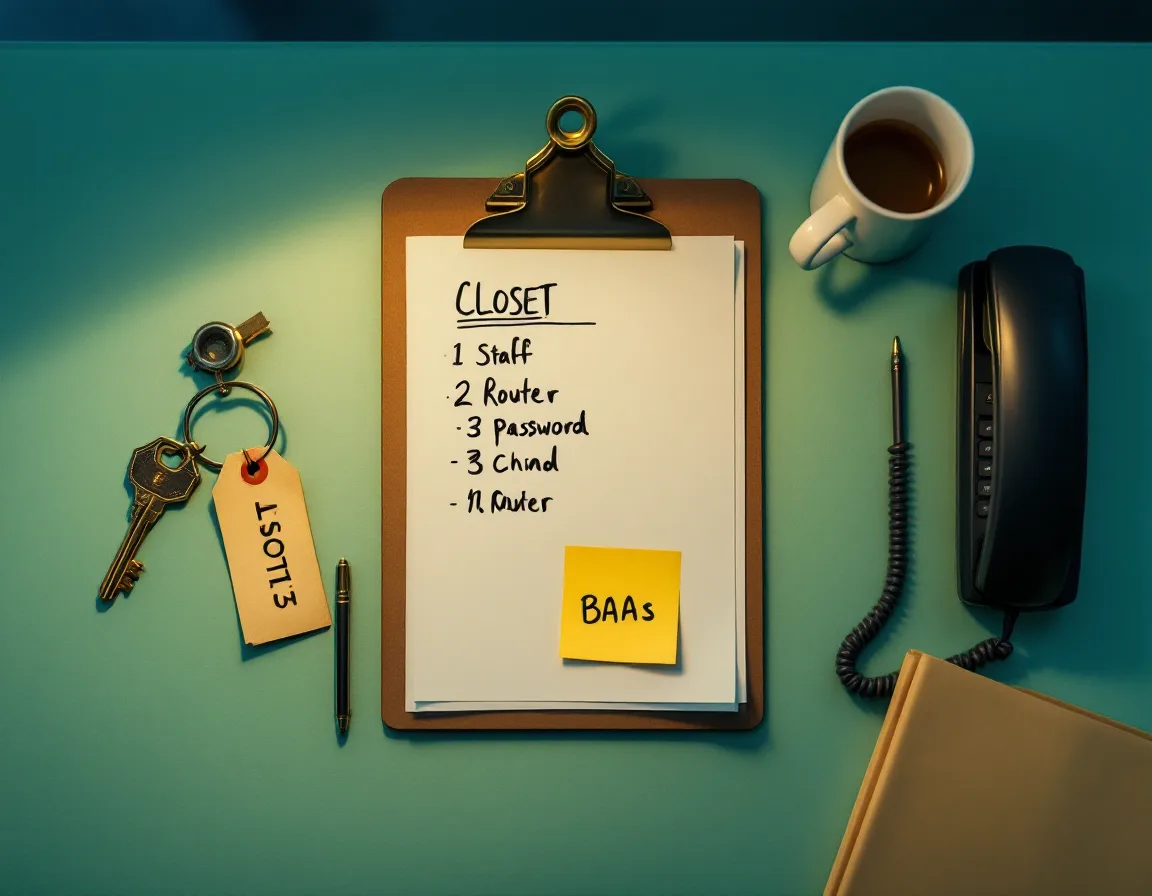
The assessor’s kit laid out on a desk: laptop, clipboard checklist with numbered tabs, console cable, pen light, and a roll of rust-colored label tape
Fig. 04 Everything that comes through your back door at 6:15 p.m. None of it plugs into the patient database.

Walk-through night

the night of the walk-through: what we carry in, and what to leave out

The walk-through runs two to three hours in an empty office. It goes faster when the things below are on the reception desk before the last person leaves.

what’s in the bag

  • Our own laptop
  • Console cable
  • Pen light, for under the desk
  • Label tape, rust
  • Clipboard checklist, 6 tabs
  • A signed confidentiality agreement
  • Shoe covers, for the operatories

what to leave out for us

  1. The firewall or router admin loginOr the name and phone number of whoever has it. “It’s on a sticky note somewhere” counts as a finding, not an answer.

  2. The key to the server closetOr whichever closet the server is in. Sometimes it’s the one with the mop.

  3. A list of staff email addressesFor phishing week. Include the doctor who says they never check email.

  4. The alarm code, or someone who stays until 6:15We’ll lock up and text the office manager when we leave.

  5. Your IT company’s contactThey get the technical appendix on day ten, addressed to them by name.

  6. Last year’s risk analysis, if there is oneEven if it’s a template. We’ll note what changed since.

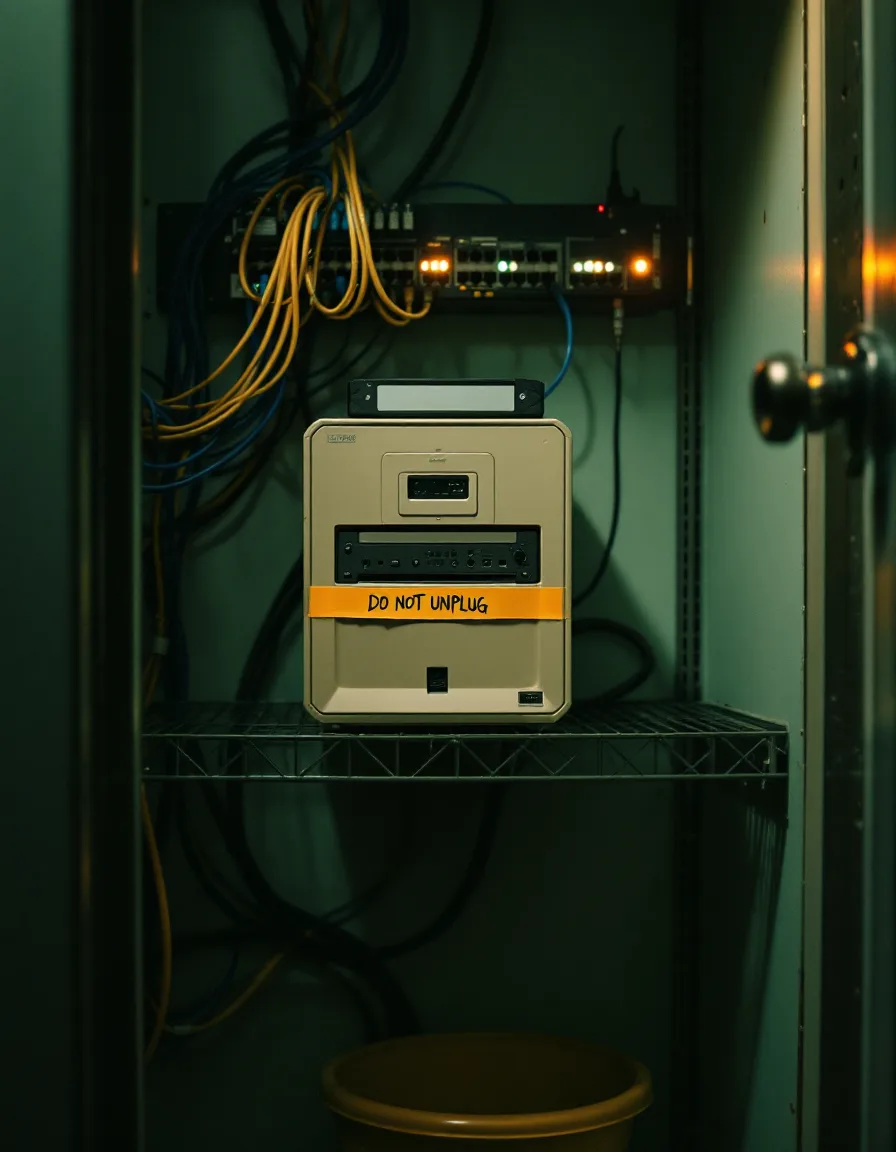
A cramped office closet at night with a router, a server, and a backup drive on one shelf under a box of gloves, caught in a flashlight beam
We’ll write down that the backup drive shouldn’t live here. We won’t be the ones who move it.

Out of scope, on purpose

things we will write down, and then hand to someone else

We assess, rank, and document. Staying out of the work below is how we keep the report honest — nobody at Cyvela profits from the fix we recommend. Here’s who to call for each.

replacing the firewall
Call insteadYour IT company, or any vendor you like. We write the spec they quote against.
watching the network around the clock
Call insteadA managed security provider. The report includes the four questions to ask them before signing.
a ransom note on the screen, right now
Call insteadYour IT company and your cyber-insurer’s claims line, today. Then us, next month.
breach-notification decisions
Call insteadA healthcare attorney. We’re security consultants; the risk analysis supports compliance, it isn’t legal advice.
writing the full policy manual
Call insteadYour compliance consultant. We flag each missing policy by its HIPAA section so they know where to start.
the label printer that jams on tuesdays
Call insteadWe have checked. Genuinely nobody.

Next step

bring the workstation count. we bring the fixed fee.

The scoping call is 25 minutes and costs nothing. Have the number of computers and the name of your practice software nearby. Call before 3 p.m. and the written fee arrives the same day; after 3, the next morning.

(805) 427-0080